
Safety, clarified

Is faceless video safe for thoughtful creators?

Is faceless video safe when privacy, originality, and platform rules matter? Usually, yes—but the workflow must protect people, respect rights, and keep the content honest.

Clear the myths

3 Misconceptions About Faceless Video Safety

A format is not automatically safe or unsafe. The risks come from how footage, voices, claims, and personal data are collected and used.

Required Optional
  • No face means no responsibility.

    Required

    Anonymous presentation does not remove copyright, privacy, disclosure, or platform obligations.

  • AI-generated content is automatically harmless.

    Required

    Synthetic voices, images, and scripts can still imitate people, spread false claims, or use protected material.

  • Faceless videos cannot build trust.

    Optional

    Clear sourcing, consistent quality, and honest labeling can make an anonymous channel credible.

  • A stock clip is always safe to publish.

    Required

    Check the license, permitted uses, attribution requirements, and whether recognizable people or brands appear.

How the format evolved

What Faceless Video Actually Is

Faceless video is a presentation choice: the creator communicates through narration, text, screen recordings, animation, stock footage, or original visuals instead of appearing on camera.

  1. Voiceover and screen-led tutorials

    Creators used narrated slides, software demonstrations, gameplay, and captured screens to teach without appearing in frame.

  2. Stock footage channels expand

    Accessible editing tools and licensed media made narrated explainers, lists, documentaries, and commentary easier to produce.

  3. Short-form formats accelerate

    Vertical video, captions, motion graphics, and sound-led storytelling helped anonymous creators publish for mobile audiences.

  4. Synthetic production becomes accessible

    Text assistance, voice tools, transcription, and automated editing shortened parts of the workflow while increasing the need for review.

  5. Trust becomes the differentiator

    Safe creators focus on permissions, factual checks, transparent sourcing, and a recognizable editorial standard rather than hiding every production detail.

Know the limits

Boundary Conditions for Safe Publishing

The safest workflow has clear edges. These are the areas where an anonymous format cannot protect you on its own.

  • It cannot clear copyright

    A faceless format does not grant permission to reuse music, clips, images, articles, or another creator’s narration.

    WorkaroundUse original material, properly licensed assets, or documented permission, and retain the license record.

  • It cannot verify claims

    A polished voiceover can make inaccurate health, finance, news, or historical claims sound authoritative.

    WorkaroundCheck primary sources, date-sensitive facts, and expert guidance before publishing consequential advice.

  • It cannot guarantee anonymity

    Usernames, voices, screen recordings, metadata, payment records, and background details may still identify a creator or subject.

    WorkaroundRemove personal details, inspect exports, separate public and private accounts, and get consent from anyone featured.

  • It cannot bypass platform rules

    YouTube, TikTok, and other platforms may restrict misleading, repetitive, reused, impersonating, or undisclosed synthetic content.

    WorkaroundRead the current platform policy and add clear context or disclosure when the audience could reasonably be misled.

Useful next checks

Choose another format when the audience needs direct accountability, visible demonstration, or a personal relationship that anonymity would weaken.

See the difference

A Safer Production Before and After

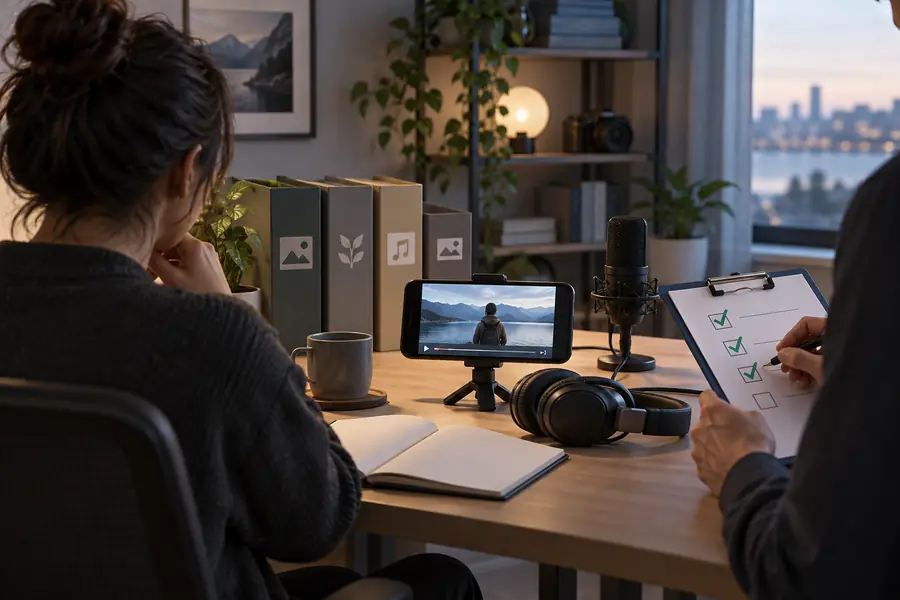
Safety is visible in the process even when the creator is not. The comparison below shows how a vague, risky concept becomes a reviewable production brief.

  • Unchecked concept
  • Reviewed production
Unstructured faceless video concept with unclear sources and permissions
Organized faceless video plan with sources, permissions, and disclosure notes

Make the call

Choose the Right Route for the Risk

The right production choice depends less on whether you show your face and more on what the video promises, depicts, and asks the viewer to trust.

When

Use faceless video

Then

Choose narration, text, animation, or screen capture for explainers, tutorials, stories, and demonstrations where the subject matters more than the presenter.

It can protect personal privacy and keep the viewer focused, provided the material is original, licensed, and accurately framed.

When

Show the creator on camera

Then

Use a visible presenter for testimonials, personal expertise, sensitive advice, accountability-led reporting, or demonstrations where identity builds necessary trust.

A face cannot prove truth, but direct presence may make responsibility, credentials, and consent clearer.

When

Pause and redesign

Then

Do not publish yet when the concept depends on impersonation, scraped media, private information, unverified allegations, or unclear ownership.

Changing the format will not fix an unsafe premise; revise the source material and editorial purpose first.

A repeatable check

How to Keep the Workflow Safe

Use this short review before every upload. It separates creative convenience from decisions that can affect rights, privacy, and audience trust.

  1. 1

    Map every asset

    List the script, voice, music, footage, images, logos, screenshots, and data. Mark what is original, licensed, public domain, or still unresolved.

  2. 2

    Review the message

    Verify factual claims, remove unnecessary personal information, avoid imitation, and make synthetic or reconstructed elements clear when context requires it.

  3. 3

    Inspect the final export

    Watch and listen for accidental names, private screens, misleading edits, unsupported claims, missing credits, and disclosures that are too easy to miss.

  4. 4

    Publish with a record

    Keep source links, permissions, licenses, revisions, and platform-policy notes so you can explain how the video was made if a concern is raised.

Common concern

Is Faceless Video Safe? FAQ

The short answer is conditional: the format is generally safe when the production respects rights, privacy, accuracy, and the rules of the platform where it appears.

Yes, it can be safe when you use permitted assets, make accurate claims, protect personal information, and follow platform rules. Not showing your face reduces one kind of exposure, but it does not remove responsibility for the content.

It can improve privacy because the creator does not need to appear on camera. However, voices, usernames, screen recordings, metadata, locations, and personal stories can still reveal identity, so review every part of the production.

AI tools can be part of a safe workflow when their output is reviewed and the underlying inputs are permitted. Check for copied language, imitation, invented facts, unauthorized likenesses, and any disclosure expectations before publishing.

Usually, if the video is original or properly licensed, honest about what it shows, and compliant with the platform’s current policies. Reused clips, misleading edits, impersonation, and undisclosed synthetic media can create problems even without a visible presenter.

Start creating
Start creating