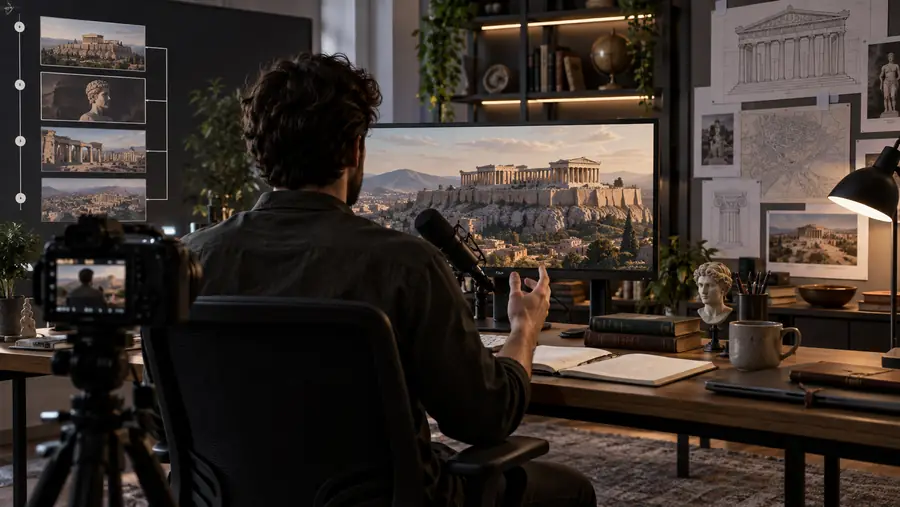
A faceless video for youtube can be planned, narrated, edited, and packaged without putting the creator on camera. Use the workflow below to move from a rough idea to a publishable episode with fewer production gaps.
The channel bottleneck
The scenario's pain
YouTube rewards consistency, but a solo creator can lose hours switching between research, scripting, voiceover, visuals, and packaging. A defined faceless workflow keeps each episode moving.
1From topic selection to upload
5stages
2Shared source for script and edit
1brief
3Rights, accuracy, and audience fit
3checks
4On-screen appearance required
0camera
Three repeatable paths
Three concrete workflows
Choose the production path that matches the channel format, then keep the handoffs consistent from one episode to the next.
Explainer channel
Turn a researched question into a narrated sequence with diagrams, screen captures, and restrained motion graphics.
A clear educational episode that makes complex ideas easier to follow without a talking head.
A structured brief keeps claims and sources together
2
Script development
Manual production
Draft, revise, and time the narration by hand
Assisted production
Generate a first draft, then edit for accuracy and voice
3
Voiceover
Manual production
Record and clean a take for every episode
Assisted production
Use a consistent synthetic or recorded narration style
4
Visual planning
Manual production
Choose clips while the timeline is already open
Assisted production
Map visuals to each narration beat before editing
5
Brand consistency
Manual production
Rebuild titles, captions, and transitions each time
Assisted production
Reuse a defined template with deliberate variations
6
Quality control
Manual production
Review mainly after the full edit is complete
Assisted production
Check claims, rights, pacing, and audio at each handoff
7
Best use
Manual production
High-touch videos with unusual creative direction
Assisted production
Repeatable YouTube series and regular publishing
Production sequence
1
Choose one viewer promise
Start with a specific question or outcome. Write the working title, audience, target length, and the one thing the viewer should understand by the end.
2
Build the timed episode
Draft the narration, divide it into visual beats, add supporting footage or graphics, and keep captions aligned with the spoken message.
3
Package and review
Create the title and thumbnail direction, check audio and claims, confirm visual rights, then review the opening before scheduling the upload.
Example output
From loose idea to publishable episode
Loose idea
Ready-to-review episode
The strongest transformation is not just visual polish. It is a clear promise, a timed script, purposeful visuals, and packaging that accurately represents the episode.
Planning calculator
Estimate the production lift
Use an episode count to sketch the scale of a repeatable workflow. The result is a planning estimate, not a promise about render time or channel performance.
Yes. YouTube does not require a creator to appear on camera, so a channel can publish narration, animation, screen recordings, licensed footage, or other original formats without showing the host. The video still needs to follow YouTube's general policies and provide genuine viewer value.
A faceless format can be eligible for monetization when the channel follows YouTube's current Partner Program rules and the videos are original, useful, and meaningfully produced. Reused clips, repetitive low-effort uploads, or content without sufficient transformation can create monetization problems.
Check that the script is accurate, the narration is understandable, and every visual, music track, and clip has an appropriate right to use. Also review the title, thumbnail, description, and opening so they represent the actual episode rather than making unsupported promises.
Not automatically. Avoiding an on-camera appearance can simplify production and protect personal privacy, but it does not remove copyright, privacy, disclosure, impersonation, or community-guideline responsibilities.